 Skip to content



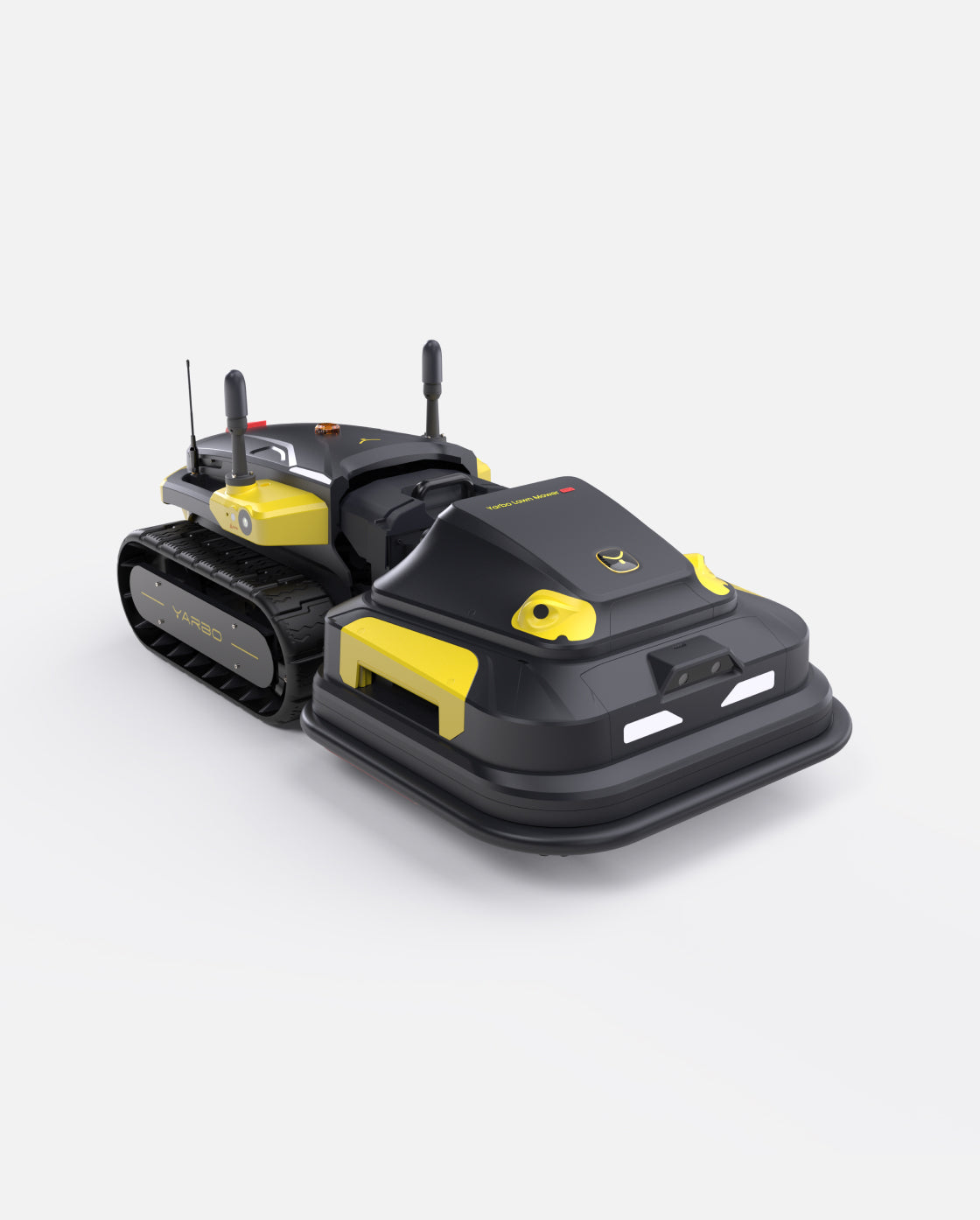









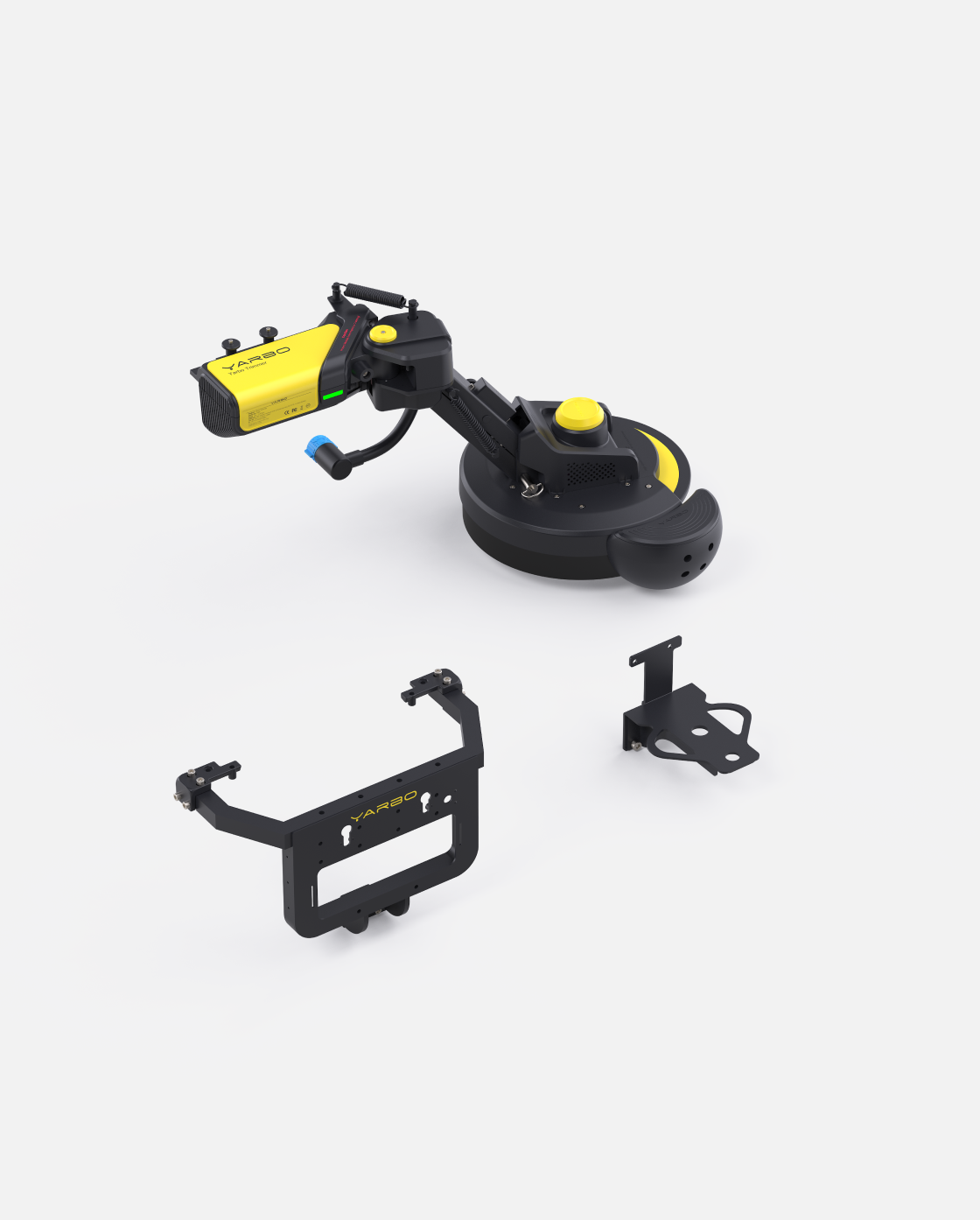


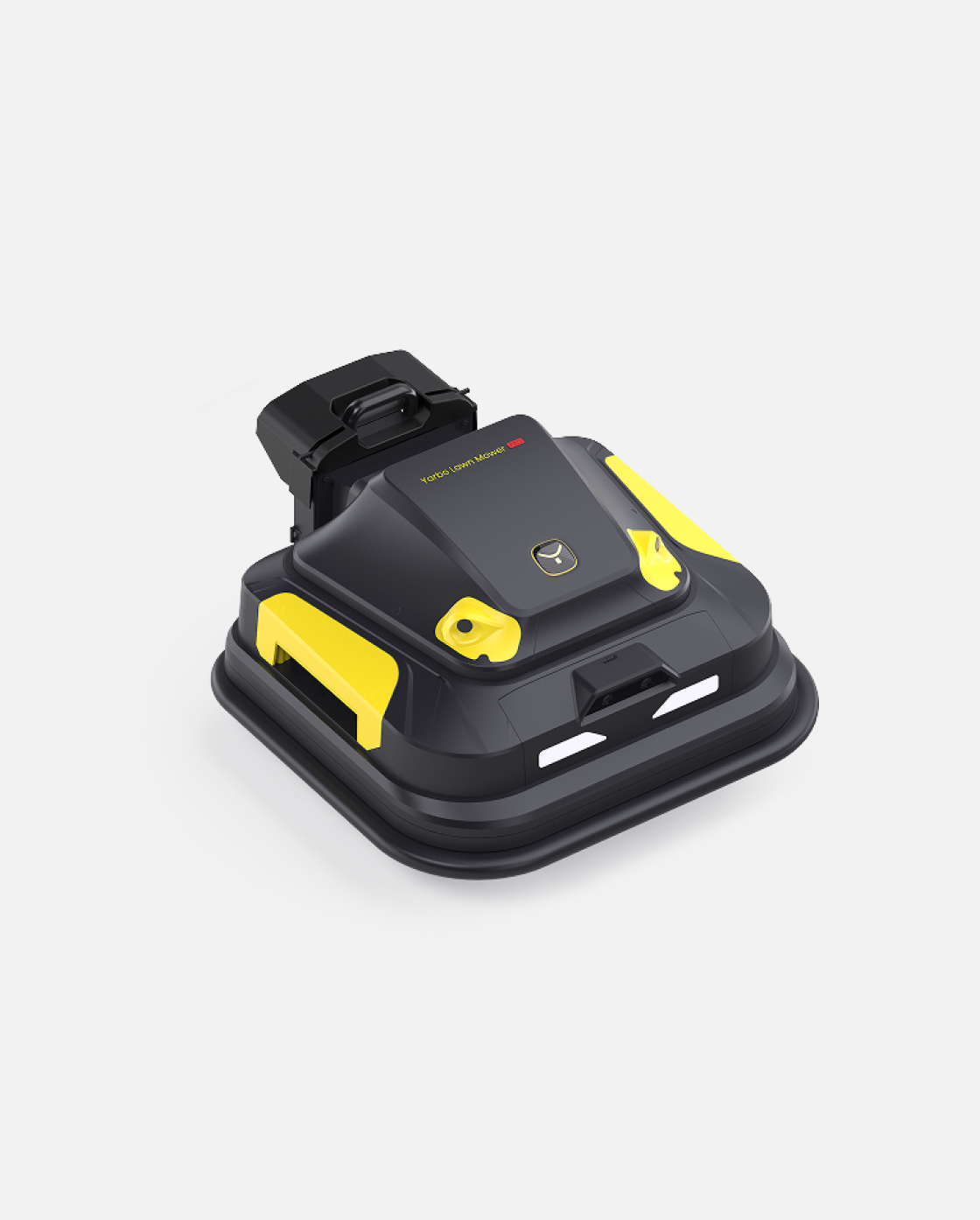
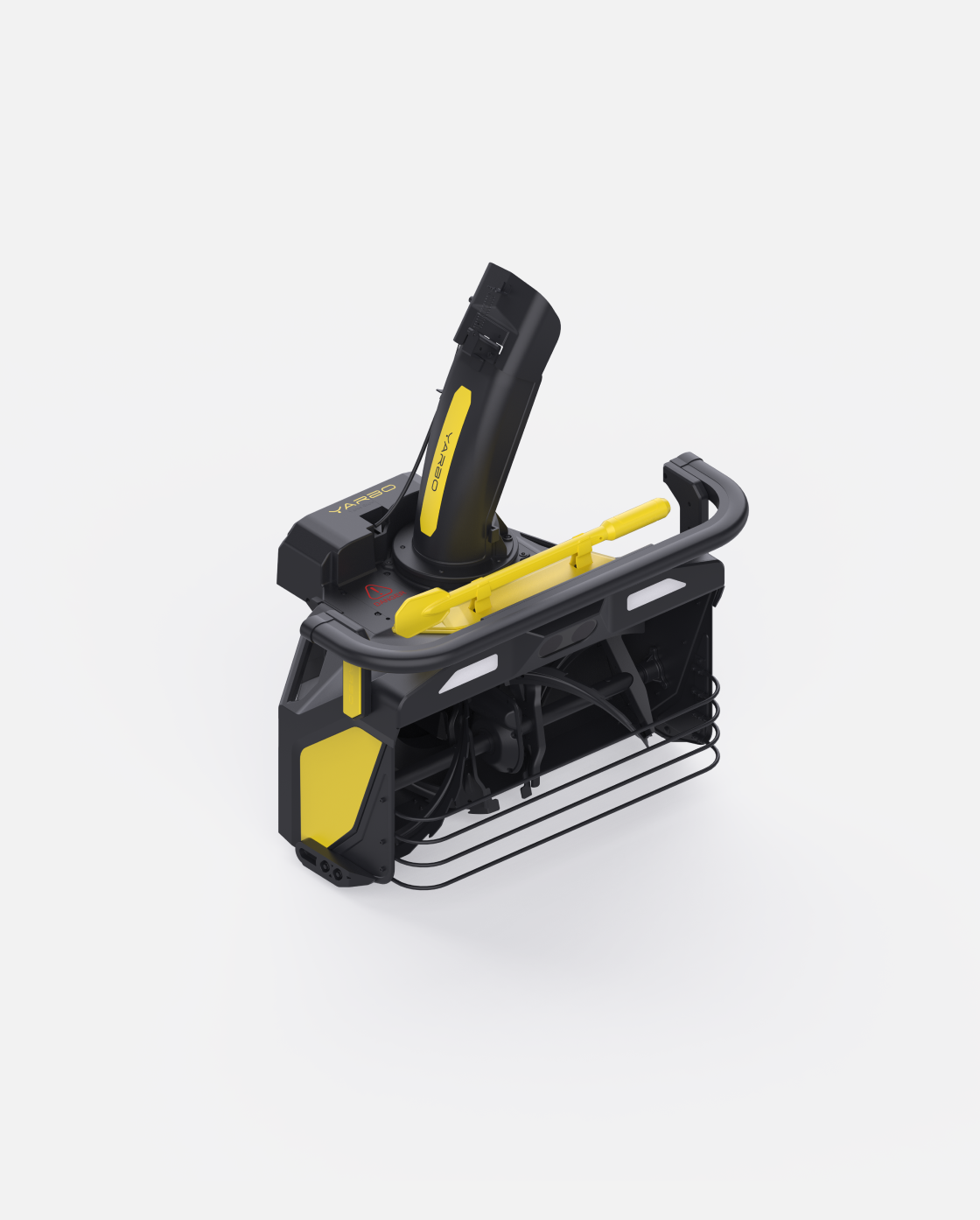





Yarbo Installation + Mapping Service
Regular price
€385,00
-
Unboxing & Precheck: Unbox all items and confirm that all components are present and in good condition.
-
Set up Data Center (DC): Install antennas and connect the DC using the Ethernet and PoE modules, then mount it in an elevated, open area and pair via the Yarbo App.
-
Set up Docking Station (DS): Place the DS in a clear area, secure it with mounting screws, and install it through the Yarbo App by docking the Core.
-
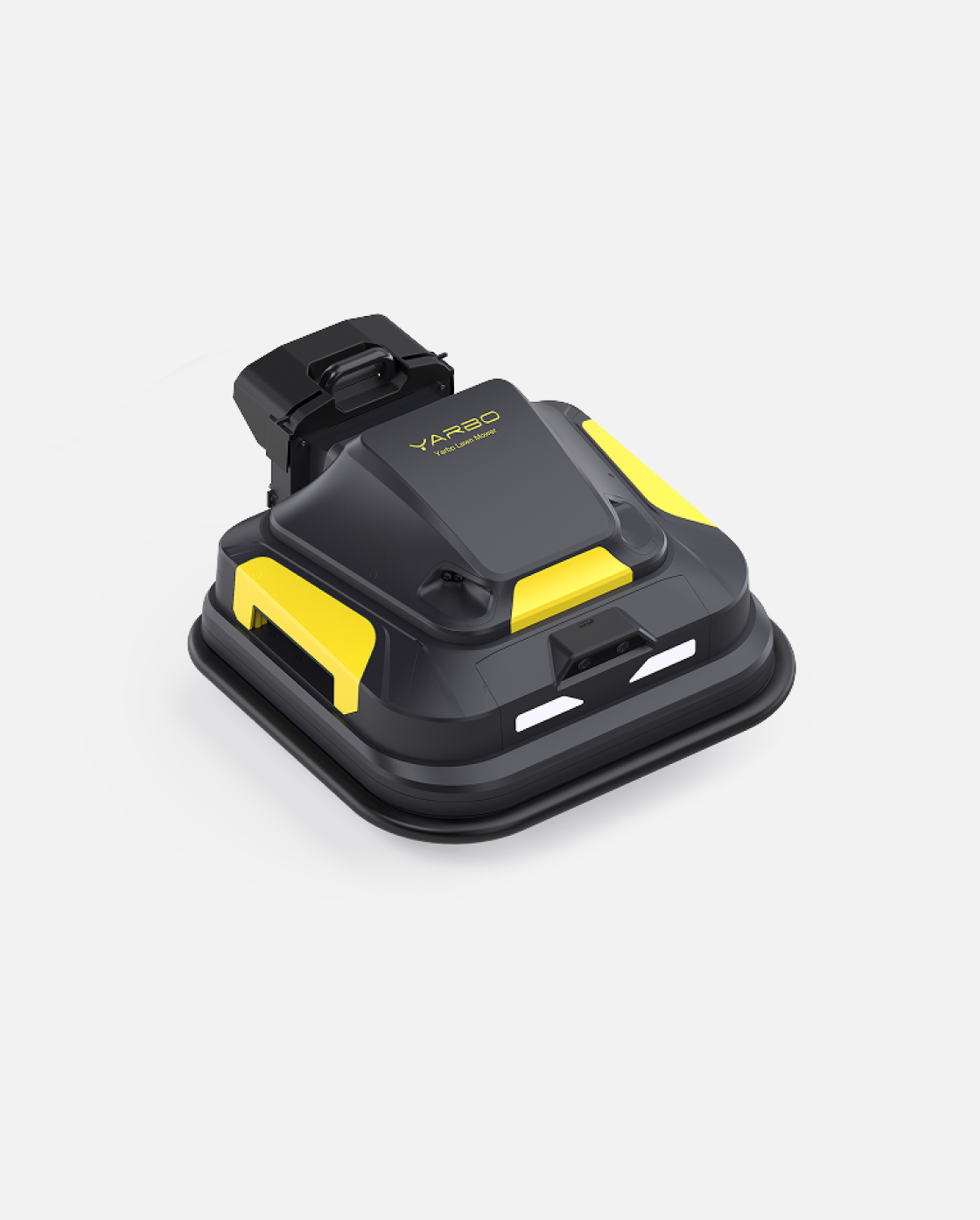
Set up Yarbo Core: Attach the Smart Assist Module, connect to Wi-Fi through the app, check firmware and hardware functionality, and verify all systems.
-
Mapping Work Zones: Attach a module, use the app to draw all required areas and pathways, preferably in a counterclockwise direction.
-
Set up Yarbo Work Plans: Select a module, create maps in the app by outlining zones and paths as per the user’s needs.
- User Training + Hands-on Demonstration: Show the user how to map, adjust settings, and operate Yarbo using both the app and physical controller.
You May Also Like

 Private group · 33.0K members
